Getting started with the portal
The portal supports two complementary forms of observation: a public, low-friction view of current environmental conditions and an authenticated research interface for historical analysis. The same responsive interface works in a desktop browser or as an installed Progressive Web App (PWA).
Explore the network
- Open the home page and inspect the station map.
- Select a station marker to see its identity, latest observation time and access policy.
- Open an available public dashboard for current cards and short-term trends.
- If historical browsing is available, open the station browser, choose an interval and select parameters with compatible physical units.
- Use the table for exact values and export controls for CSV, SVG or high-resolution PNG.
Public visibility and downloadable data are distinct policy decisions. A station can appear on the network map without granting anonymous access to its complete history. This separation supports scientific visibility while respecting a contributor's data governance requirements.
Request an account
Choose Request access, provide the requested identity information, and submit the form. An administrator reviews the request and sends a single-use onboarding link. During onboarding you choose a username and password. New accounts deliberately begin without station assignments; an administrator separately grants Browse, Download, Can API, and Can workflows rights according to the intended use.
Install the PWA
Use the browser's install action or the portal's Install app button. Installation
adds an application icon and standalone window, but it does not make observations
available offline. The service worker caches only the application shell and static
assets; pages and /api/ responses remain network-only because they depend on current
permissions and current data.
Find help
Open Docs in the global menu. The left navigation exposes every guide, and the search box searches the canonical Markdown collection. Continue with Using collected data for reproducible access or Join the sensor network to contribute observations.
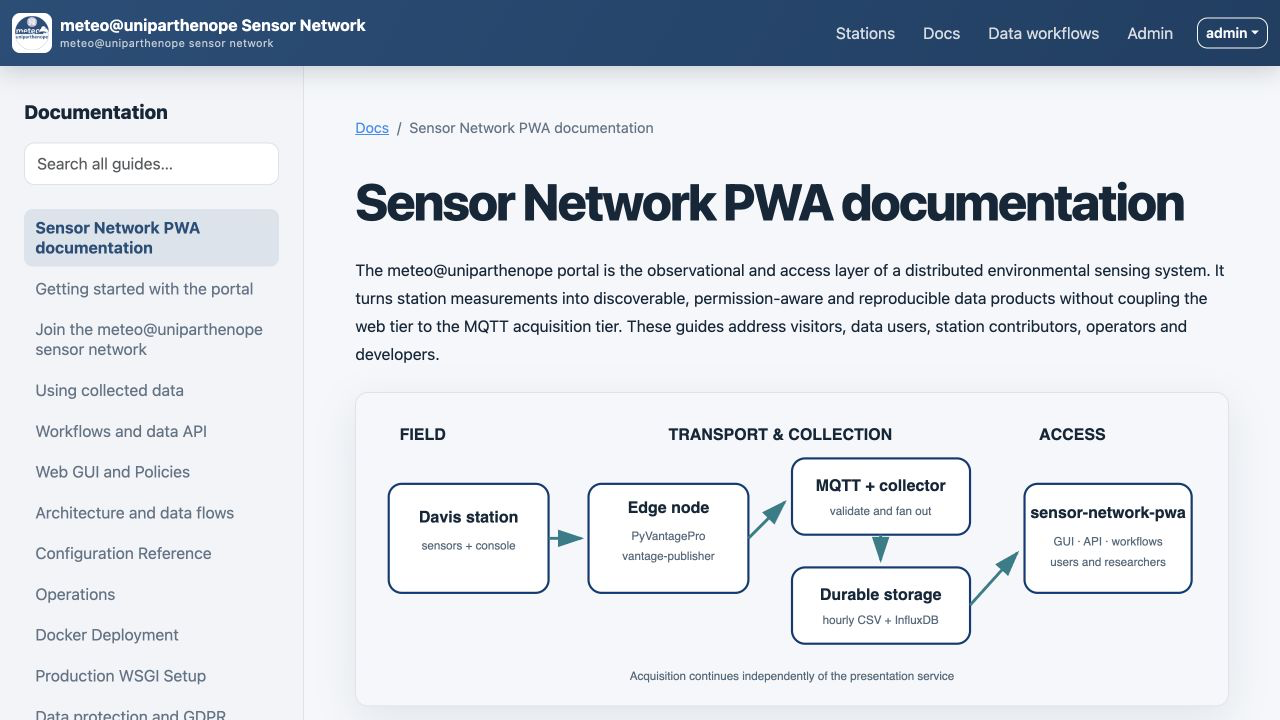
Figure 1. The documentation library at desktop width. Navigation and content remain inside the PWA's shared application shell.
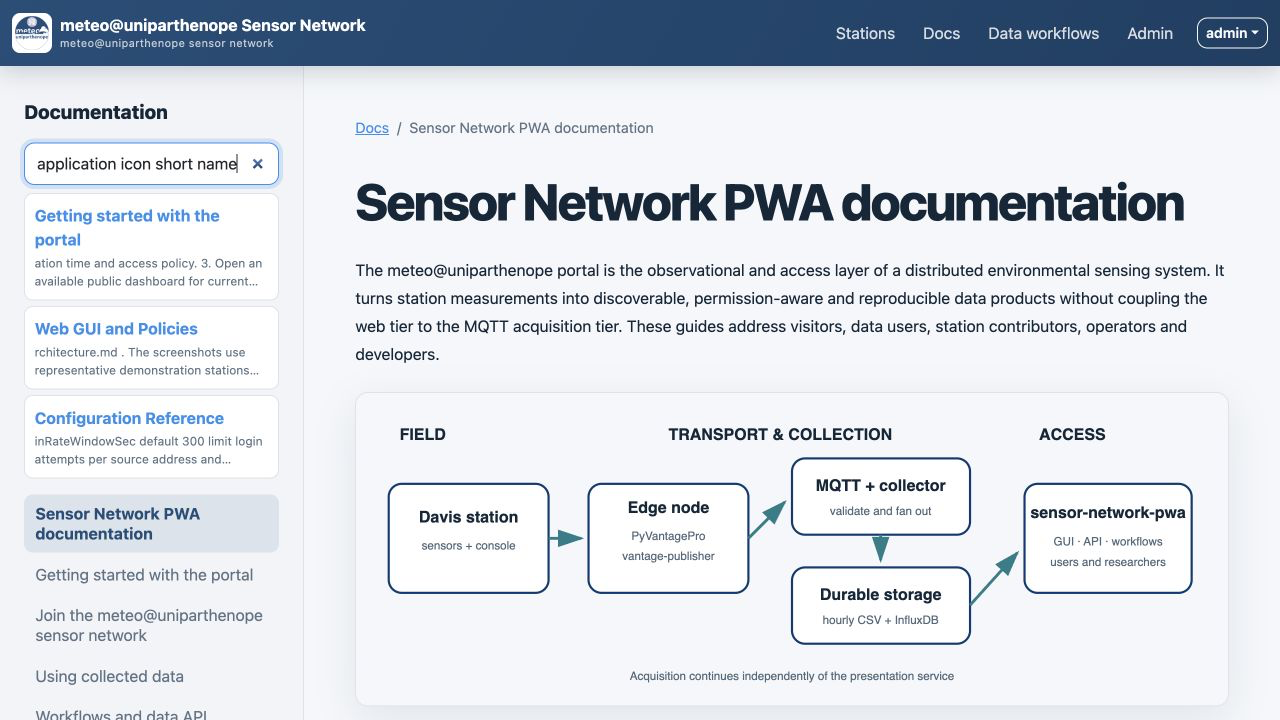
Figure 2. Full-collection search. Result text is inserted with DOM text nodes, so documentation excerpts cannot inject executable markup.
docs/getting-started.md.